
When you buy a router and a plan, it usually ships with a pile of settings quietly set to "Auto," and most people don't bother to touch them. I used to be one of those people until I started digging into which settings are set to "Auto" and what else can be done with them. Turns out, convenience and security do not always shake hands. After testing what actually changes when you tweak your router settings and comparing it with other router settings worth changing, I found five toggles that you should flip manually every single time you get a new router.
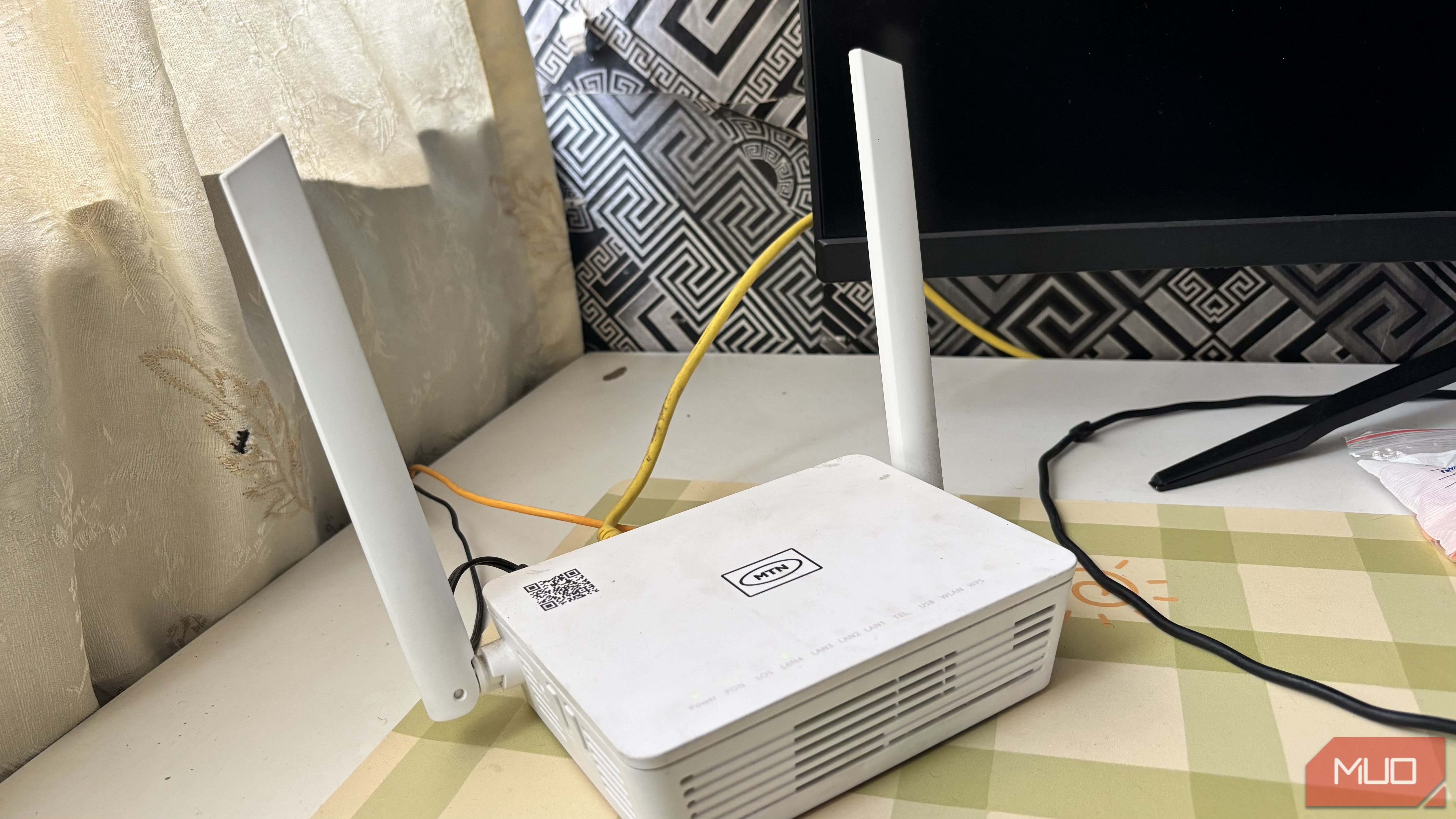
MakeUseOf
4 router settings I never leave on 'Auto' — and my network is better for it
Shown as published in the source's RSS feed. IndiaAIFounders doesn't link out to third-party sites — this is the complete detail available from the feed itself.