
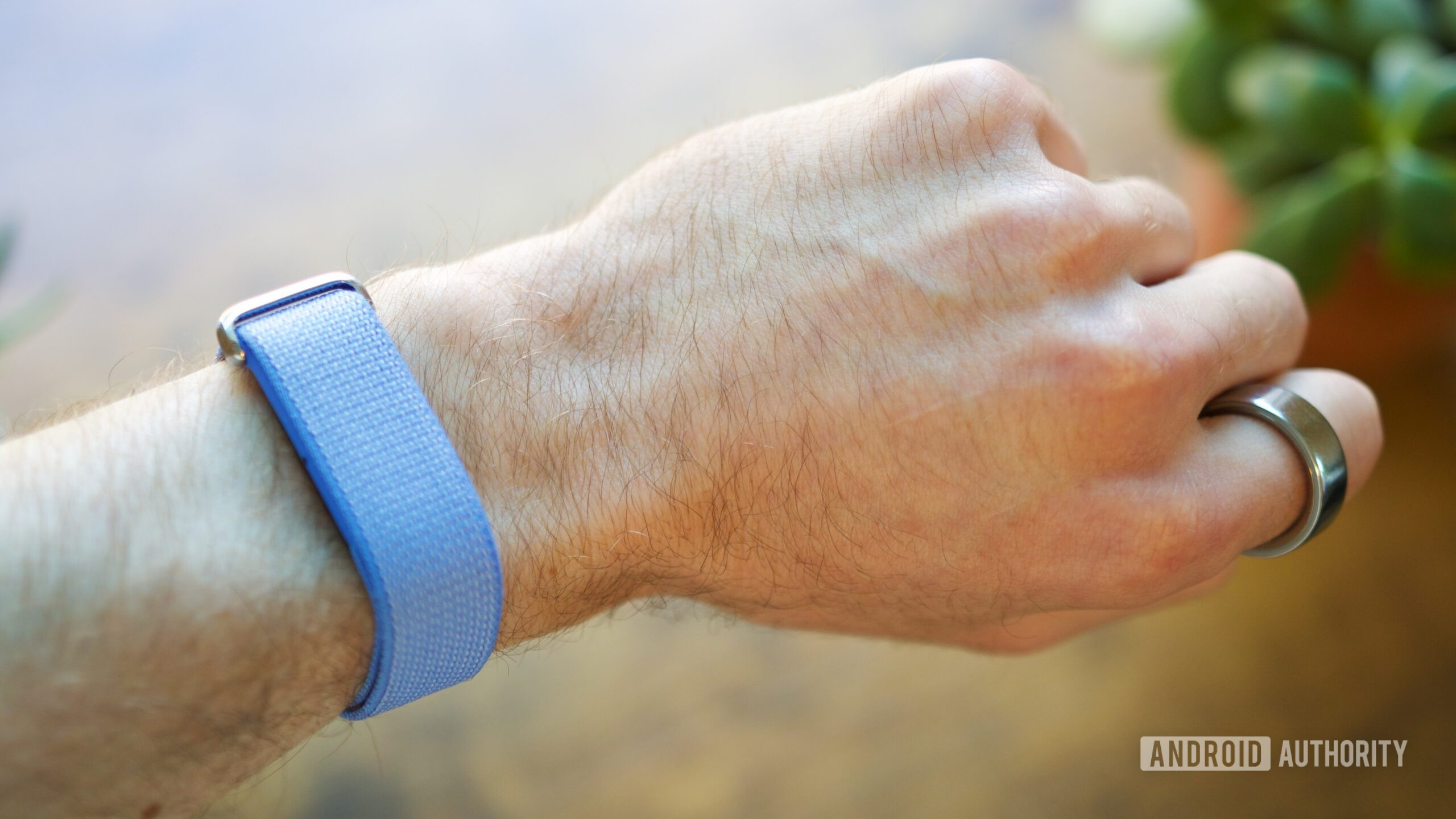
- Two unofficial apps bring notification and incoming call vibrations to the Fitbit Air.
- Cuff offers customizable alerts on Android, while AirBuzz uses iOS 27’s Shortcuts automations.
- Google doesn’t officially support either workaround, but both are available to try.
Google designed the Fitbit Air for people who want to track their health without another screen competing for their attention. That philosophy explains why the band doesn’t display notifications or even vibrate when calls and messages arrive. But there’s a difference between avoiding constant distractions and wanting to know when something important needs your attention. Google hasn’t offered users that middle ground, so independent developers have stepped in.
Two unofficial apps, Cuff for Android and AirBuzz for iOS, let the Fitbit Air buzz for incoming calls and notifications, giving owners a choice Google left out. As shared on Reddit (via Android Police), Cuff reverse-engineers the tracker’s Bluetooth communication, letting users choose which alerts reach their wrists and customize how the band vibrates.