
AI coding tools have changed how fast software gets written, but not how fast it ships. As code generation accelerates, the bottleneck moves downstream into verify, review, and ship. Those stages still run on human time. While agents write fixes in minutes, delivery slows on constant wait times and manual handoffs. Reviewer signoffs, pipeline alerts, scan triage, and step-by-step prompting are examples of obstacles DevOps teams face in maintaining on-time delivery.
At GitLab Transcend, we announced new agent orchestration capabilities in GitLab Duo Agent Platform to eliminate that delay. Goal-driven flows take the outcome you define and run it end to end, through review, tests, security scans, and approvals from Duo CLI, headless mode, or Agentic Chat. GitLab for Slack starts work from the conversation where it was requested, like turning a thread into an issue or kicking off a flow to fix a failing pipeline. Custom Flows let you define your own multi-step sequences and start them from GitLab events like a mention, an assignment, or a pipeline. All three run under your identity, policy, and evidence chain.
How agentic orchestration speeds up deliveryFaster coding, process checklists, and single-chat coding agents all contribute to delays in software delivery. With agentic orchestration capabilities, you can accelerate each stage and reclaim time for your development team.
Fewer handoffs. You name the goal, and the flow keeps working across review, tests, scans, and approvals instead of stopping between each step.
Start work where the request already is. A Slack thread becomes an issue or a flow immediately from where you’re already discussing the work.
Automate the process your team already follows. Custom Flows let you define your own multi-step sequences and start them from a mention, an assignment, or a pipeline.
Stay in control. Flows run under the same identity, policy, and evidence chain as the rest of GitLab, so governance stays with the work. Foundational agents and flows already cover plan through analyze stages in the GitLab UI, your IDE, and Duo CLI, and you can enable more from the AI Catalog, bring in external agents, and connect tools through the MCP client and the MCP server.
Goal-driven flows: Set your objectiveGoal-driven flows give agents the finish line instead of the next step. You describe the objective and what done looks like, and the flow keeps working until it gets there. Goal-driven flows automate handoffs, so review, tests, security scans, and approvals run as one connected sequence.
You start one with the /goal command, for example:
/goal Fix the checkout timeout. Continue until tests pass and CI is green.
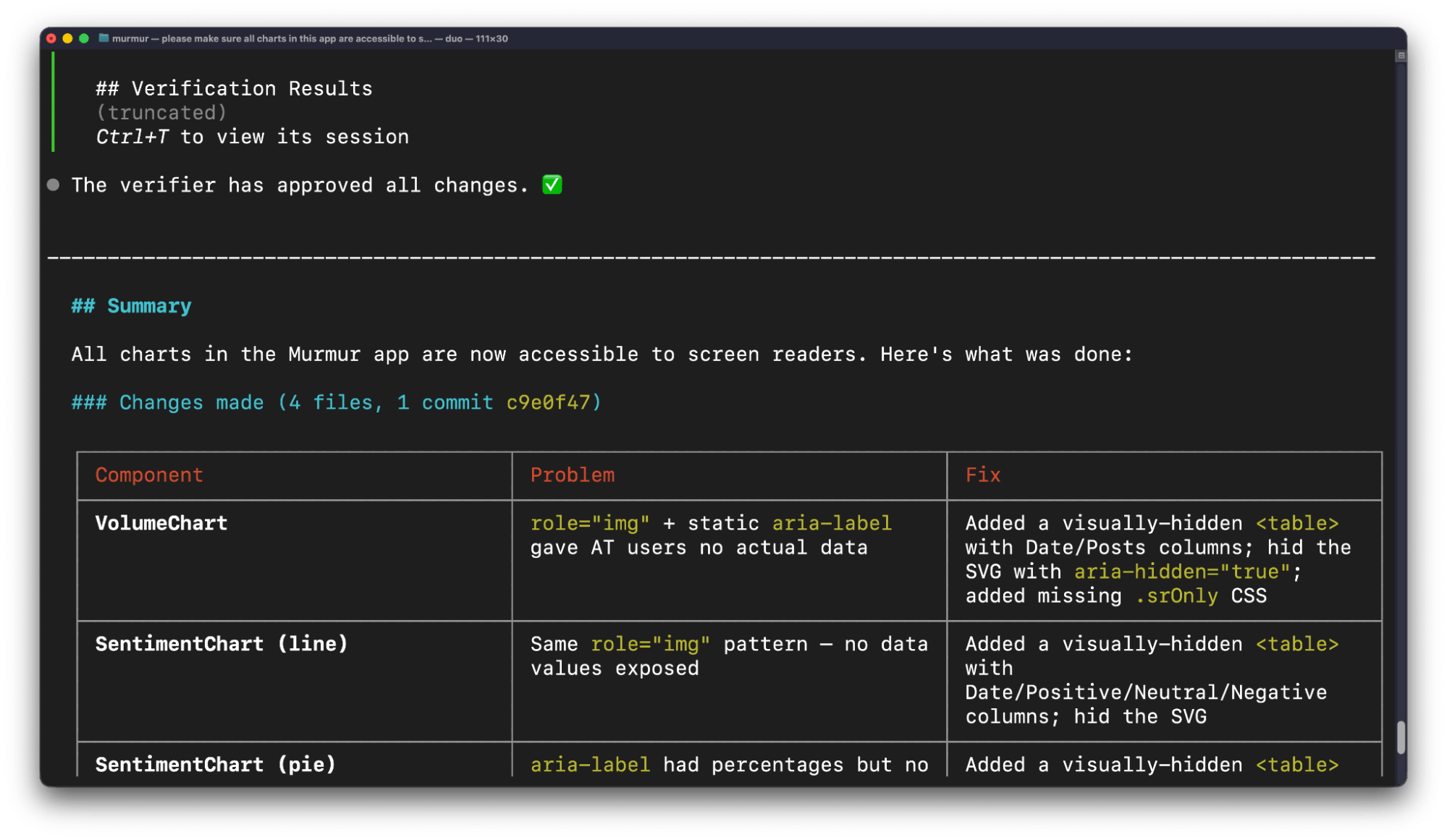
A separate model checks the work against your goal at each step, and you can stop or redirect a run at any point. You can start a goal-driven flow in Duo CLI, in headless mode with duo run --goal, and in Agentic Chat.
GitLab for Slack lets you start work in GitLab without leaving Slack. Mention @GitLab in any channel or thread and describe what you need, such as "fix the failing pipeline," and a flow starts. Duo streams its progress back into the thread, so your team follows the work where the conversation is already happening. The flow runs under the same identity and policy as any other GitLab flow, so governance stays in GitLab. You can also use @GitLab to ask questions about your codebase or create an issue from the conversation.
Custom Flows: Turn your process into a flowCustom Flows chain agents together to match the process your team already follows. You define a flow once, start it from GitLab events like a mention, an assignment, or a pipeline, and run it in CI/CD pipelines. A self-healing pipeline, for example, can analyze a failed test, generate a fix, commit it, and notify your team, with human-in-the-loop checkpoints at sensitive steps. Each flow runs under the same identity, policy, and evidence chain as every other flow, so governance stays in GitLab.
Put agent orchestration to workTo achieve the benefits of agent orchestration, start with goal-driven flows. The documentation for Duo CLI slash commands walks you through /goal. Goal-driven flows are available on GitLab.com, GitLab Self-Managed, and GitLab Dedicated, on the Premium and Ultimate tiers, and require GitLab 19.3 or later and Duo CLI 9.17.0 or later.
Then extend that orchestration to your team's processes and channels with Custom Flows, which are generally available, and the MCP server and GitLab for Slack, which will be generally available later this month.
To design the foundation for your software factory, check out GitLab Duo Agent Platform. New to GitLab? Start a free trial of GitLab Duo Agent Platform. Already on Premium or Ultimate? Turn on GitLab Duo Agent Platform and use the GitLab Credits included with your subscription.