
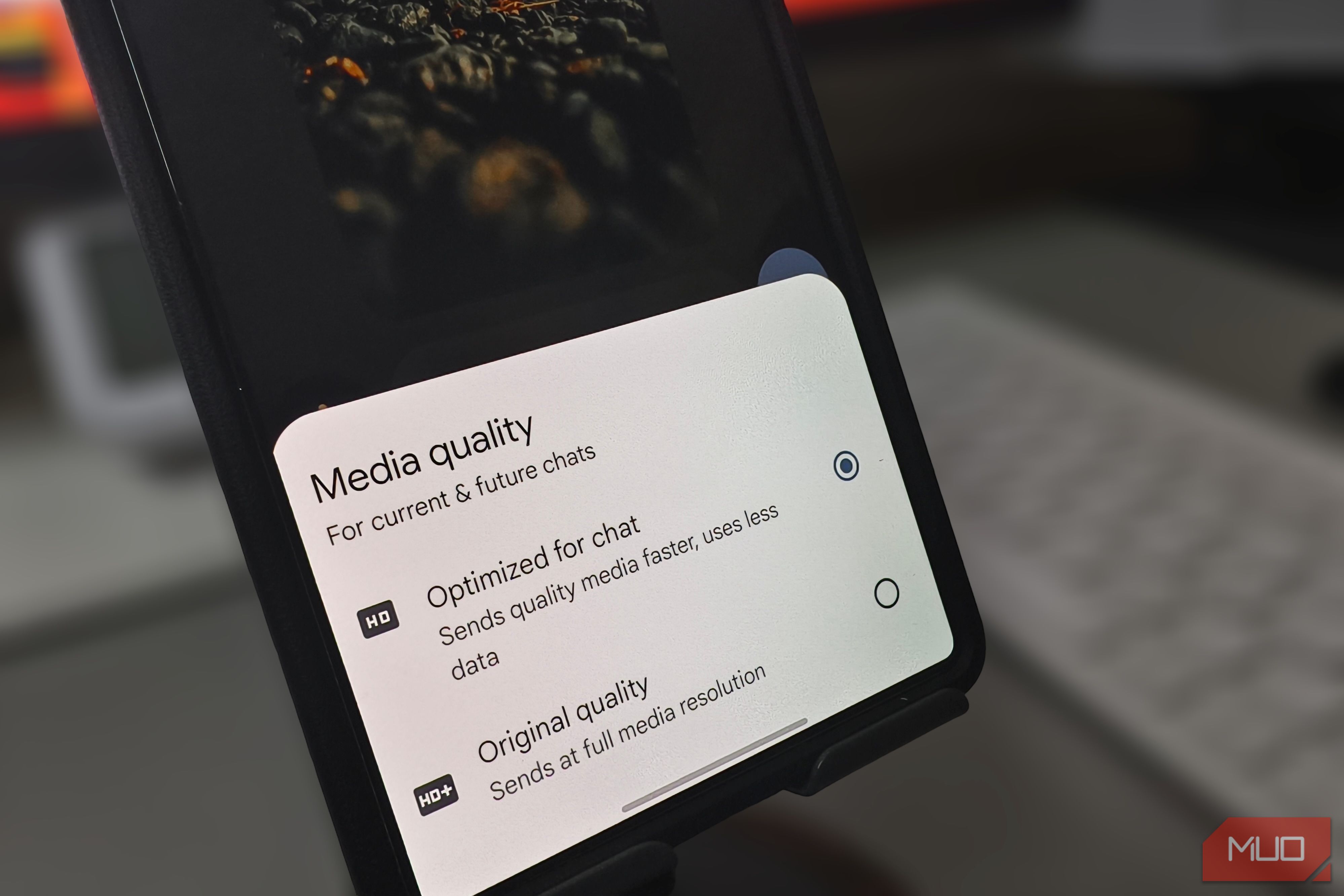
My friend told me the photo I just sent looked blurry. I opened my gallery, checked the original, and it was perfectly sharp. I sent it again, thinking maybe the network dropped something, and it arrived just as soft. The problem wasn’t my camera or my connection. Google Messages compresses every photo before sending it by default, and the app never tells you it’s doing it. One setting I’d never noticed controls this behavior, and changing it fixed every photo I’ve sent since.
MakeUseOf
Google Messages was secretly turning my photos into blurry messes until I changed this setting
Shown as published in the source's RSS feed. IndiaAIFounders doesn't link out to third-party sites — this is the complete detail available from the feed itself.