
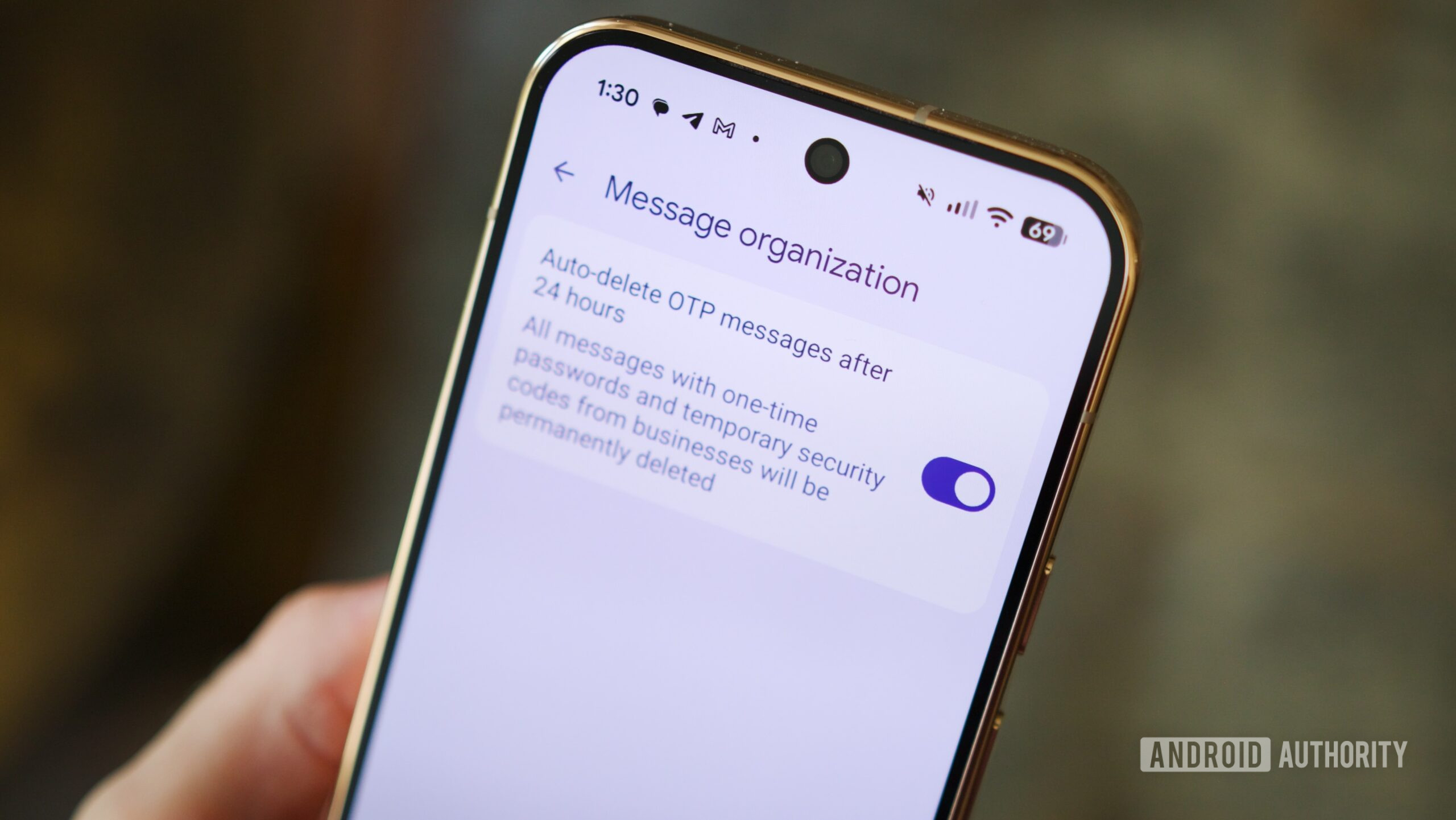
Google Messages is the default messaging app on Android phones, and it only keeps getting better with time. It’s also the default app for all your One Time Passwords or OTPs for sign-in codes or parcel delivery codes, and these messages can quickly make the app feel cluttered. Other than tapping the “Mark as read” button in the notification pop-up or simply ignoring the OTP message since I’ve already read it on my smartwatch, I don’t think I’ve ever manually deleted a single OTP myself, ever!
Google noticed this problem and introduced a solution in 2021 to automatically remove OTPs after 24 hours. The Messages app should have given you a pop-up alert within the app to enable it, but there’s a chance you might not have noticed this. If your Google Messages app is looking like an OTP wasteland, here’s how you can quickly check if this feature is enabled or not.