
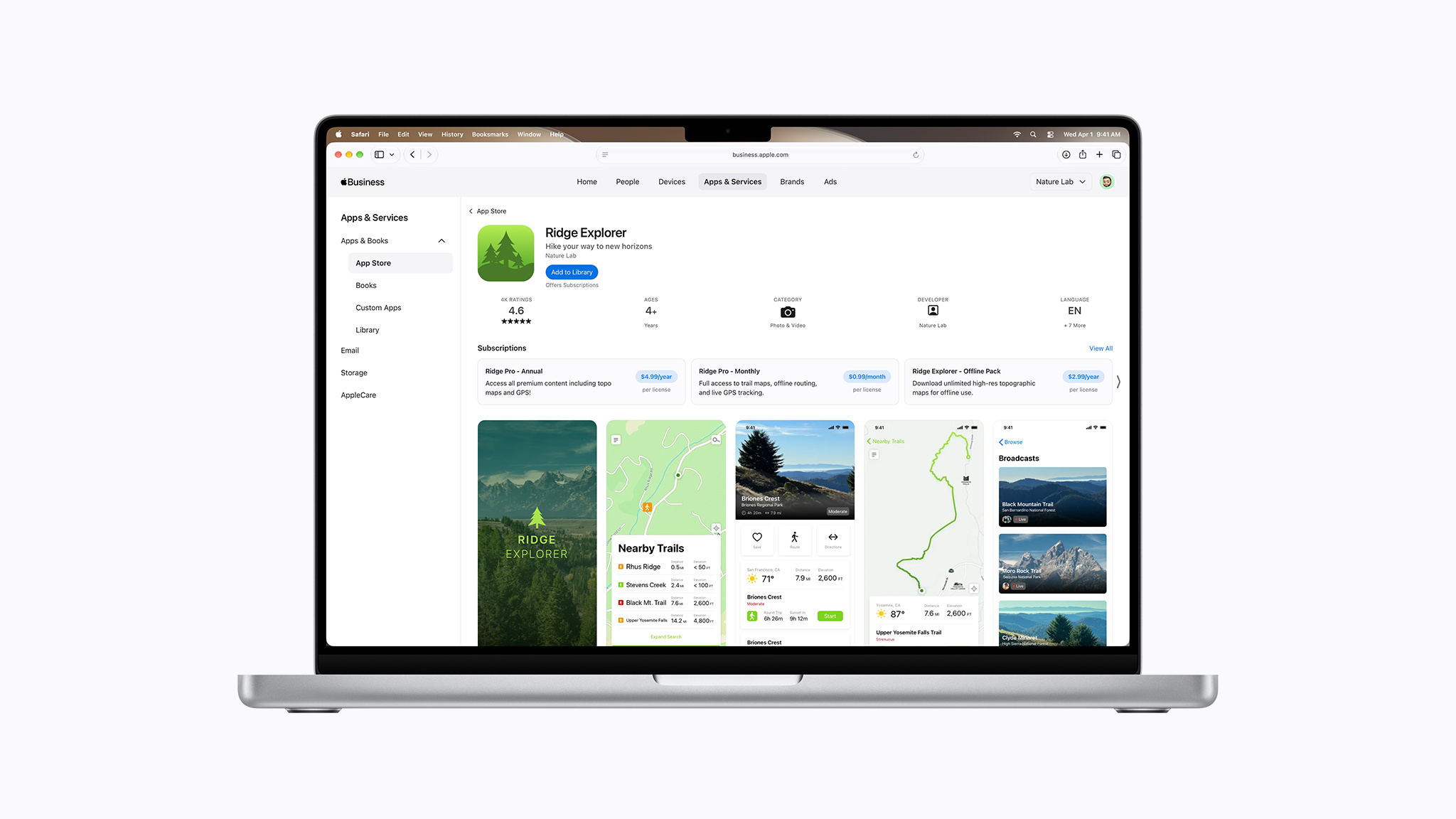
Starting today, organizations and educational institutions can purchase subscriptions to apps in volume with multiseat purchasing. This makes it easy for organizations that use Apple Business or Apple School Manager to discover and purchase your auto-renewable subscription. Organizations can purchase the seats they need through a single Apple In-App Purchase, then assign and manage those seats using their existing device management tools. Organizations can also add and remove seats at any time depending on their needs.
Multiseat purchasing for subscriptions is enabled by default in App Store Connect, unless you’ve previously adjusted this setting. This makes your subscription available for purchase through Apple Business, Apple School Manager, and the App Store. You can change these availability options at any time.
Note about multiseat purchasing and groups
Multiseat purchasing in App Store Connect also supports subscriptions for groups. Beginning October 28, 2026, you can configure and test your group purchases in your Sandbox Apple Account to prepare for launch. This winter, group purchases will be available on the App Store, letting people buy multiple seats for your subscription and invite others to access it.
Manage purchase options for an auto-renewable subscription
App Store Connect API: Configuring multiseat subscriptions for organizations
Offer subscriptions to groups and organizations