
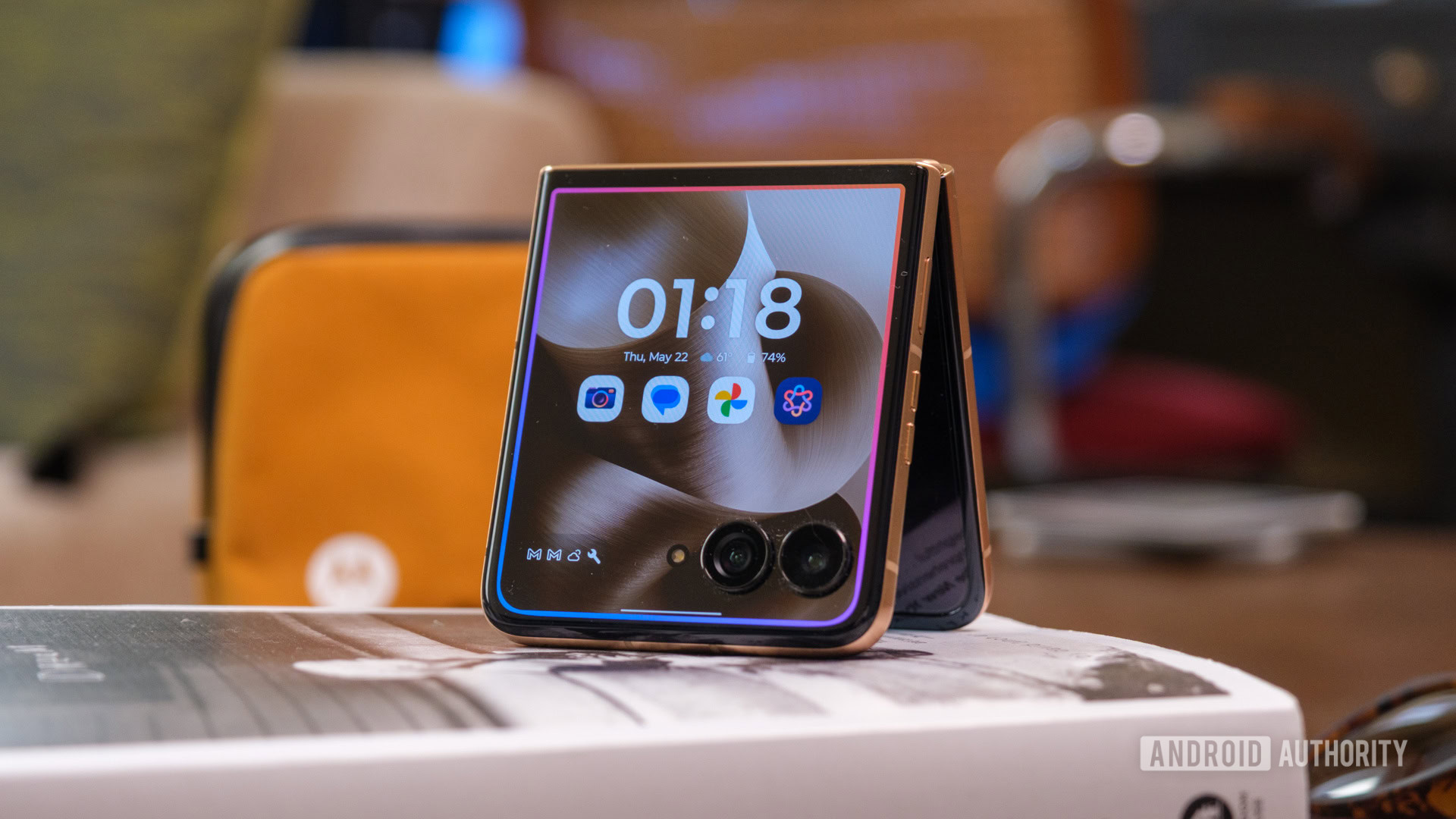
- The MotoKey Plus app turns Motorola’s AI key into a fully customizable shortcut button with separate actions for single press, double press, and press-and-hold.
- You can assign useful everyday actions such as the flashlight, screenshots, media controls, notifications, Quick Settings, Gemini, or remap it to launch virtually any app.
- The app is still unofficial and sideload-only for now, though the developer says a Google Play release is planned.
Motorola has been quietly giving Android fans more reasons to pay attention lately, from a cleaner software experience and longer support promises to its upcoming embrace of GrapheneOS. But one part of the experience still feels unnecessarily locked down: the dedicated AI key on some of its phones. Motorola largely decides what that button can do, but a new unofficial app called MotoKey Plus is giving users the kind of control Android hardware is supposed to offer.
MotoKey Plus effectively turns Motorola’s AI key into a programmable shortcut button. According to a changelog the developer shared on Reddit, its latest major update adds separate actions for a single press, double press, and press-and-hold, while using hardware-level routing that the developer says suppresses Motorola’s built-in actions to prevent conflicts.